How-To Guide
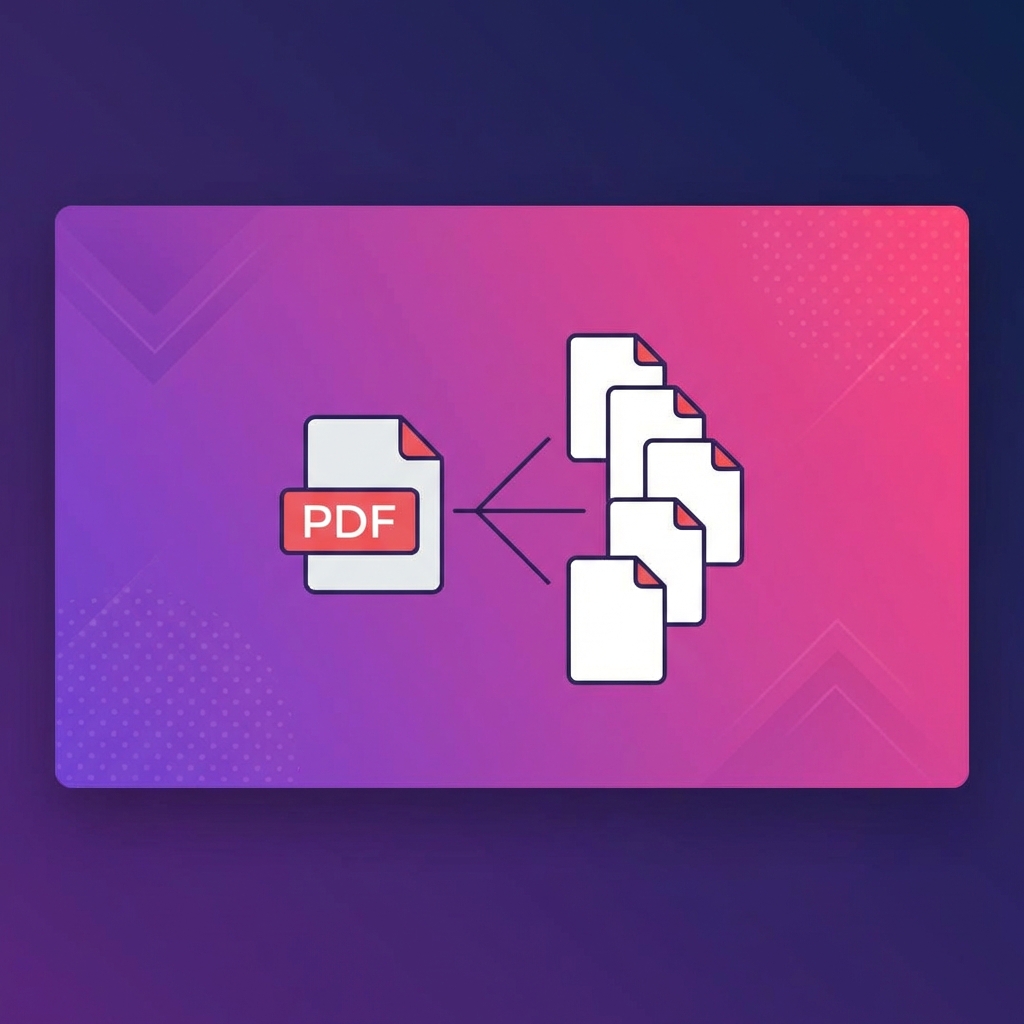
4 min readHow to Split PDF into Multiple Files - Easy Methods
PDFHubs Team
January 12, 2025
Learn to split large PDFs into smaller files. Extract specific pages or divide by page ranges with our free tool.
When to Split a PDF
Splitting PDFs is useful when you need to:
- •Extract specific pages from a large document
- •Share only relevant sections
- •Create separate files for different chapters
- •Reduce file size for email attachments
Methods for Splitting PDFs
Method 1: Extract Specific Pages
Select individual pages to create a new PDF containing only those pages.Method 2: Split by Page Range
Define ranges like 1-5, 6-10, 11-15 to create multiple documents at once.Method 3: Split Every N Pages
Automatically divide into equal parts (e.g., every 5 pages).Step-by-Step Guide
- 1.Upload your PDF - Select the document to split
- 2.Choose split method - Pick from extract, range, or equal split
- 3.Select pages or ranges - Define what to extract
- 4.Download results - Get individual PDF files or a ZIP
Best Practices
- •Preview before splitting to ensure correct pages
- •Use descriptive names for split files
- •Verify page order after splitting
- •Keep original file as backup
Common Scenarios
Splitting a Book into Chapters
Use page ranges based on your table of contents.Extracting Forms
Select only the pages containing forms you need.Creating Handouts
Extract specific slides or pages for distribution.Tags:
split pdf
extract pages
divide pdf
pdf pages
Ready to try these tips?
Use our free PDF tools to put this knowledge into practice.
Related Articles
How-To Guide
5 minHow to Merge PDF Files Online - Complete Guide 2025
Learn how to combine multiple PDF files into one document quickly and easily. Step-by-step guide with tips for best results.
Read Article

How-To Guide
6 minHow to Compress PDF Without Losing Quality - Expert Tips
Reduce PDF file size while maintaining document quality. Learn professional compression techniques for optimal results.
Read Article

How-To Guide
5 minHow to Convert PDF to Word for Free - 2025 Guide
Convert PDF documents to editable Word files instantly. Preserve formatting, tables, and images with our free converter.
Read Article