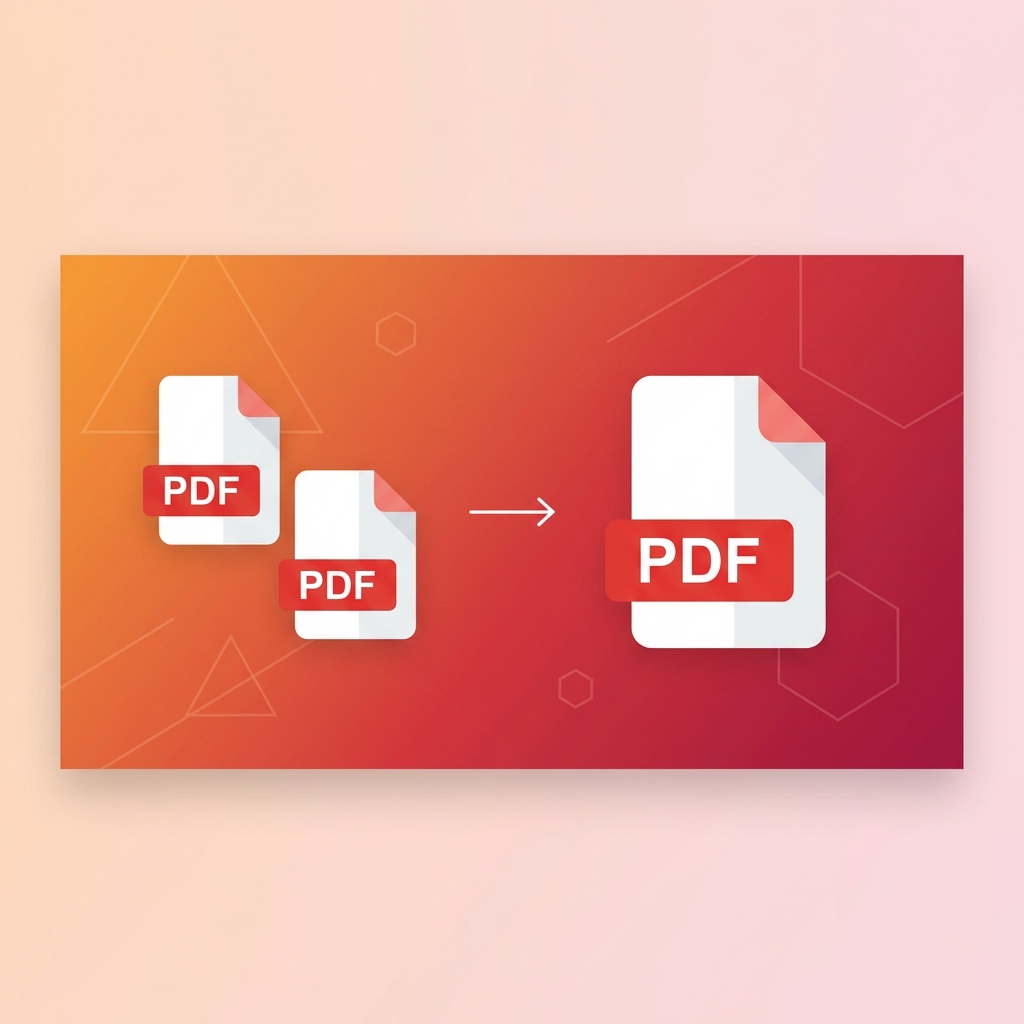
How to Merge PDF Files Online - Complete Guide 2025
Learn how to combine multiple PDF files into one document quickly and easily. Step-by-step guide with tips for best results.
Why Merge PDF Files?
Merging PDF files is essential for organizing documents, creating reports, and combining related materials into a single, easy-to-share file. Whether you're a student compiling research papers, a professional preparing presentations, or anyone managing documents, knowing how to merge PDFs is a valuable skill.
Step-by-Step Guide to Merging PDFs
Step 1: Select Your Files
Upload all the PDF files you want to combine. Our tool supports batch uploads, so you can select multiple files at once.Step 2: Arrange the Order
Drag and drop to rearrange the files in your preferred order. The final merged document will follow this sequence.Step 3: Merge and Download
Click the merge button and wait for processing. Once complete, download your combined PDF instantly.Tips for Best Results
- •File Size: Keep individual files under 100MB for fastest processing
- •Page Order: Check the page order before merging to avoid rearranging later
- •Quality: Our tool preserves the original quality of your documents
- •Security: All files are encrypted and automatically deleted after processing
Common Use Cases
- 1.Business Reports: Combine multiple department reports into one comprehensive document
- 2.Academic Papers: Merge research materials, citations, and appendices
- 3.Legal Documents: Compile contracts, agreements, and supporting documents
- 4.Personal Projects: Create photo books, scrapbooks, or portfolios
Frequently Asked Questions
Is merging PDFs free? Yes, our PDF merger is completely free with no hidden costs or registration required.
Will I lose quality when merging? No, the original quality of your PDFs is preserved during the merge process.
Is there a limit to how many files I can merge? You can merge up to 20 files at once, with a combined size limit of 500MB.
Ready to try these tips?
Use our free PDF tools to put this knowledge into practice.
Related Articles

How to Compress PDF Without Losing Quality - Expert Tips
Reduce PDF file size while maintaining document quality. Learn professional compression techniques for optimal results.

How to Convert PDF to Word for Free - 2025 Guide
Convert PDF documents to editable Word files instantly. Preserve formatting, tables, and images with our free converter.
How to Split PDF into Multiple Files - Easy Methods
Learn to split large PDFs into smaller files. Extract specific pages or divide by page ranges with our free tool.