
How to Compress PDF Without Losing Quality - Expert Tips
Reduce PDF file size while maintaining document quality. Learn professional compression techniques for optimal results.
Understanding PDF Compression
PDF compression reduces file size by optimizing images, fonts, and other elements within the document. The key is finding the right balance between file size and visual quality.
Compression Methods Explained
Lossless Compression
Reduces file size without any quality loss. Best for text-heavy documents.Lossy Compression
Achieves greater size reduction by slightly reducing image quality. Ideal for documents with many images.How to Compress Your PDF
- 1.Upload your PDF - Select the file you want to compress
- 2.Choose compression level - Select from high, medium, or low compression
- 3.Process and download - Get your optimized file instantly
When to Use Each Compression Level
| Level | Best For | Size Reduction |
| High | Email attachments | 70-90% |
| Medium | Web uploads | 50-70% |
| Low | Print documents | 20-40% |
Pro Tips for Maximum Compression
- •Remove unused elements: Delete hidden layers and metadata
- •Optimize images: Resize images before adding to PDF
- •Use web-optimized settings: Enable Fast Web View
- •Flatten transparency: Reduces file complexity
Maintaining Quality
The secret to quality compression is understanding your document's purpose:
- •For screen viewing: Higher compression is acceptable
- •For printing: Use lower compression to maintain detail
- •For archiving: Balance between size and quality
Ready to try these tips?
Use our free PDF tools to put this knowledge into practice.
Related Articles
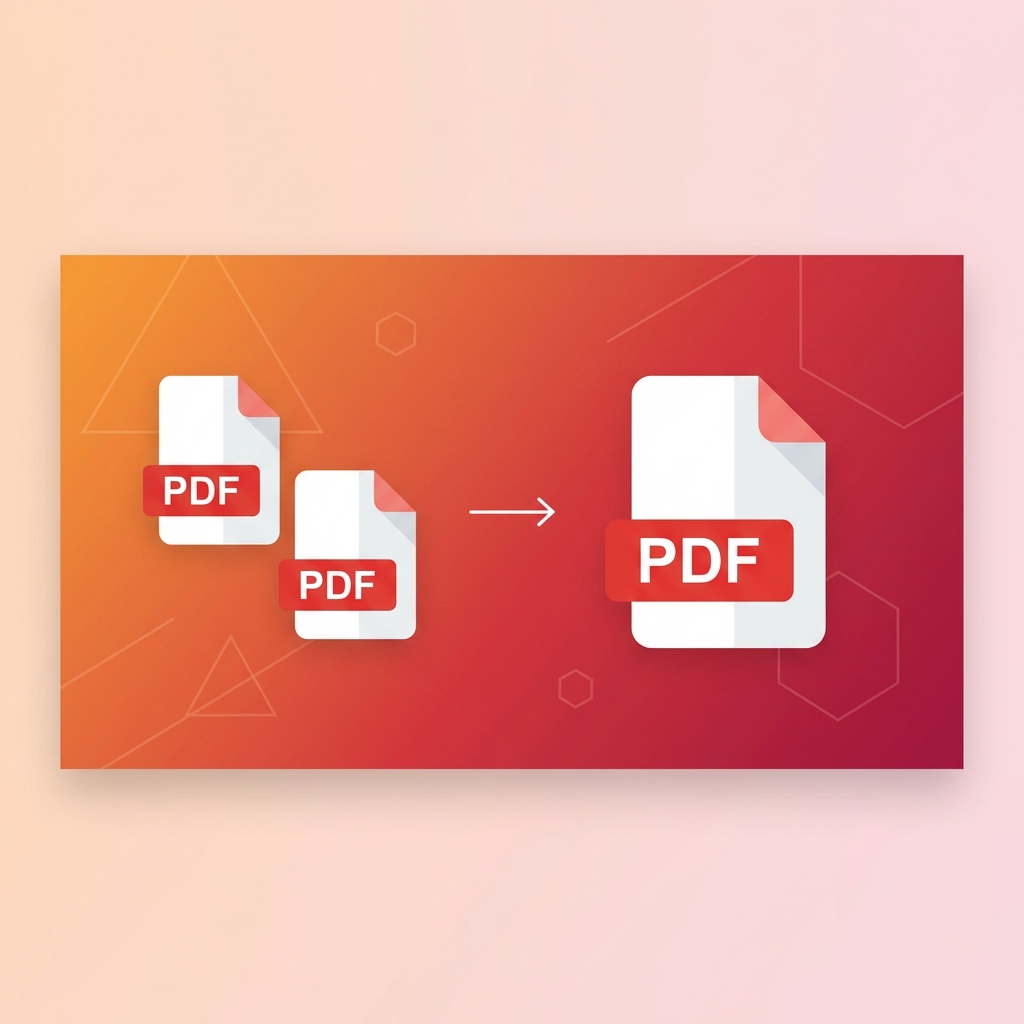
How to Merge PDF Files Online - Complete Guide 2025
Learn how to combine multiple PDF files into one document quickly and easily. Step-by-step guide with tips for best results.

How to Convert PDF to Word for Free - 2025 Guide
Convert PDF documents to editable Word files instantly. Preserve formatting, tables, and images with our free converter.
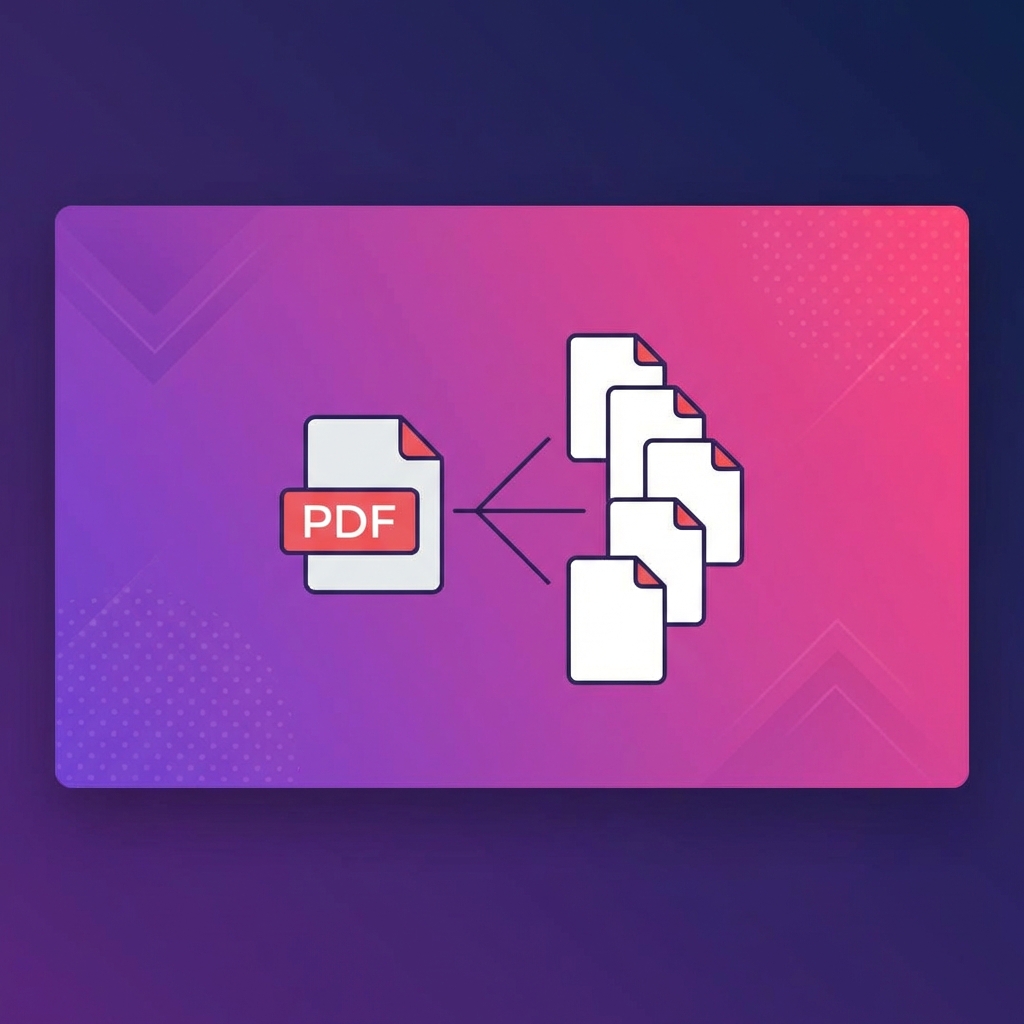
How to Split PDF into Multiple Files - Easy Methods
Learn to split large PDFs into smaller files. Extract specific pages or divide by page ranges with our free tool.