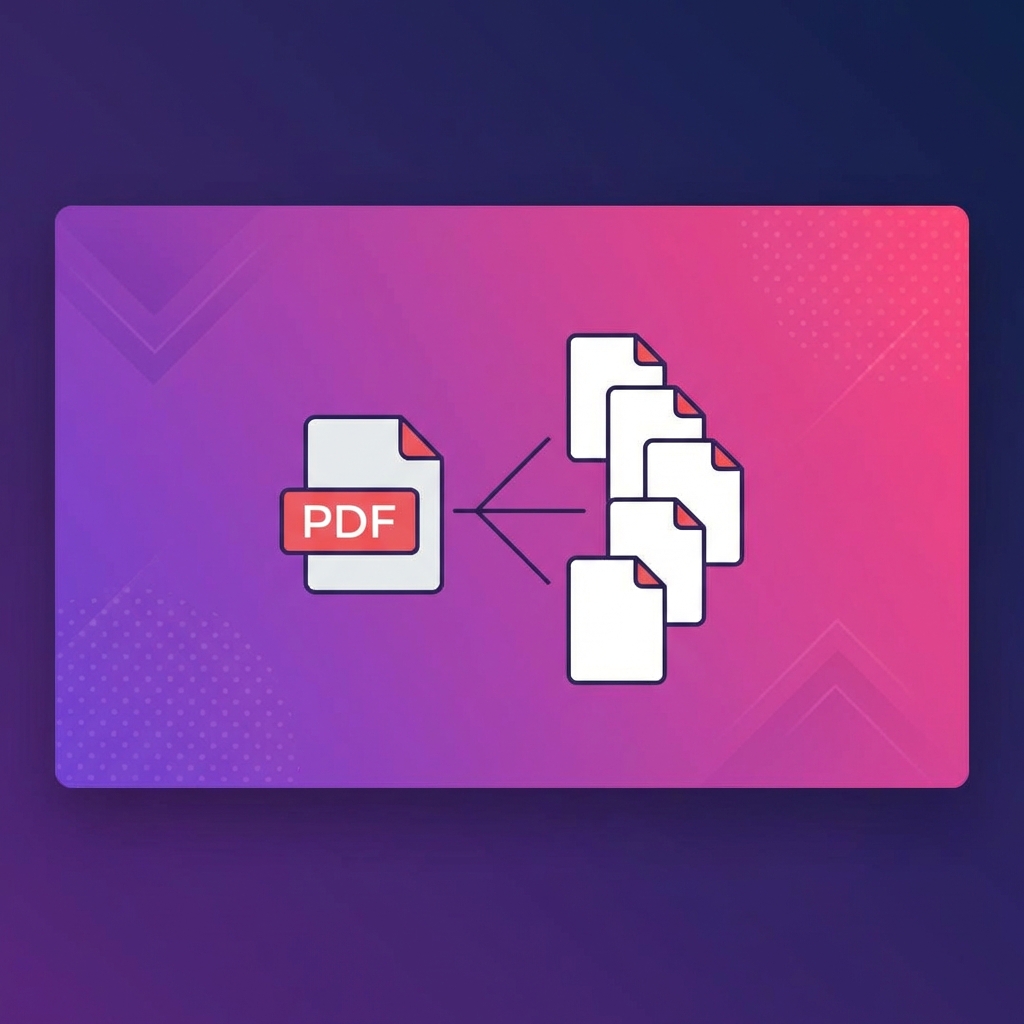
Split PDF by Pages Free - Extract & Separate PDF Pages Online
Split large PDFs into separate pages or specific page ranges online free. No software needed to extract PDF pages.
Need to Split a PDF Into Separate Files?
Whether you need to extract specific pages, split a document by chapters, or separate pages for individual sharing, PDFHubs makes it simple.
Ways to Split a PDF
1. Split Into Single Pages
Every page becomes its own PDF file. Perfect for sorting or selecting specific pages.2. Extract Specific Pages
Select only the pages you need (e.g., pages 3, 7, 12) to create a new PDF.3. Split by Page Range
Divide into sections (e.g., pages 1-5, 6-10, 11-15).How to Split PDF Free with PDFHubs
Split Into Individual Pages
- 1.Go to PDFHubs.site/tool/split-pdf
- 2.Upload your PDF
- 3.Click "Process & Download"
- 4.Receive all pages as separate PDF files
Extract Specific Pages
- 1.Go to PDFHubs.site/tool/extract-pages
- 2.Upload your PDF
- 3.Select pages to extract
- 4.Download your custom PDF
Common Split Scenarios
Split a Book Into Chapters
Use page ranges based on your table of contents.Extract Invoice Pages
Pull out the specific invoices you need from a multi-invoice PDF.Separate Contract Sections
Extract signature pages or specific clauses.Create Handouts
Extract key slides from presentation PDFs.Tips for Splitting PDFs
- 1.Know your page numbers - Preview before splitting
- 2.Use descriptive filenames - Makes files easier to find
- 3.Keep the original - Always backup before splitting
- 4.Check the results - Verify pages are correct
Split vs Extract - What's the Difference?
| Split | Extract |
| Divides entire document | Selects specific pages |
| All pages become separate files | Creates one PDF from selected pages |
| Use for complete separation | Use for partial extraction |
File Size After Splitting
Split PDFs are smaller because they contain fewer pages. A 10MB, 20-page PDF might become 20 files of ~500KB each.
FAQ
Is splitting PDFs free? Yes, 100% free with PDFHubs.
Will splitting reduce quality? No, pages maintain original quality.
Can I merge split files back? Yes, use the Merge PDF tool.
Ready to try these tips?
Use our free PDF tools to put this knowledge into practice.
Related Articles
How to Merge PDF Files Online - Complete Guide 2025
Learn how to combine multiple PDF files into one document quickly and easily. Step-by-step guide with tips for best results.

How to Compress PDF Without Losing Quality - Expert Tips
Reduce PDF file size while maintaining document quality. Learn professional compression techniques for optimal results.

How to Convert PDF to Word for Free - 2025 Guide
Convert PDF documents to editable Word files instantly. Preserve formatting, tables, and images with our free converter.