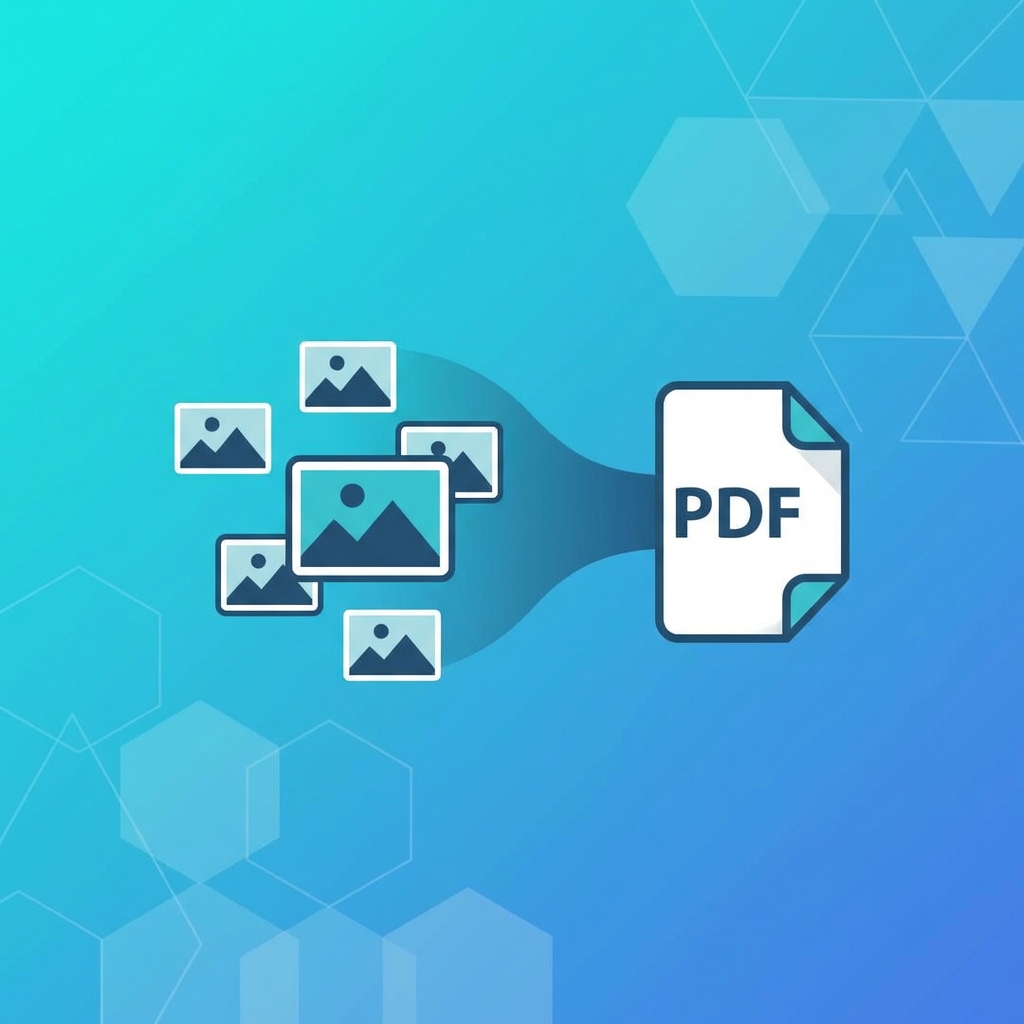
Convert Multiple JPG to PDF - Combine Images into One PDF
Learn how to convert multiple JPG images into a single PDF file. Perfect for creating photo albums, portfolios, or document scans.
Need to Convert Multiple Photos to One PDF?
Whether you're creating a portfolio, combining scanned receipts, or making a photo album, converting multiple JPGs to a single PDF is easy with PDFHubs.
Why Convert Images to PDF?
- 1.Easy Sharing - Send one file instead of many
- 2.Professional Appearance - PDFs look more polished
- 3.Maintains Order - Photos stay in sequence
- 4.Universal Format - Opens on any device
- 5.Print Ready - Easy to print multiple images
How to Convert Multiple JPG to PDF
Using PDFHubs (Free & Easy)
- 1.Go to PDFHubs.site/tool/jpg-to-pdf
- 2.Upload multiple JPG/PNG/WebP images
- 3.Drag to reorder images
- 4.Click "Process & Download"
- 5.Get your combined PDF instantly
Supported Image Formats
- ✅JPG / JPEG
- ✅PNG
- ✅WebP
- ✅GIF (first frame)
Tips for Best Results
1. Resize Images Before Converting
Large images create large PDFs. Resize to appropriate dimensions first if file size matters.2. Use Consistent Orientation
Mix of portrait and landscape images can look awkward. Rotate as needed.3. Order Photos Properly
PDFHubs lets you drag-and-drop to reorder. Check sequence before converting.4. Consider Image Quality
- •High quality: For printing (300 DPI)
- •Medium quality: For screen viewing (150 DPI)
- •Low quality: For email/web (72 DPI)
Common Use Cases
Photo Albums
Combine vacation photos, event pictures, or family memories into a PDF album.Portfolios
Create professional portfolios from artwork, photography, or design work.Receipt Collections
Photograph paper receipts and combine into organized PDF expense reports.Document Scans
Convert phone photos of documents into proper PDF format.Instructions/Tutorials
Combine screenshots into step-by-step PDF guides.How Many Images Can I Combine?
PDFHubs allows you to combine up to 50 images into a single PDF. There's no file size limit.
Image to PDF vs Scan to PDF
| Method | Best For |
| Image to PDF | Digital photos, screenshots |
| Scan to PDF | Physical documents, paper |
Ready to try these tips?
Use our free PDF tools to put this knowledge into practice.
Related Articles
How to Merge PDF Files Online - Complete Guide 2025
Learn how to combine multiple PDF files into one document quickly and easily. Step-by-step guide with tips for best results.

How to Compress PDF Without Losing Quality - Expert Tips
Reduce PDF file size while maintaining document quality. Learn professional compression techniques for optimal results.

How to Convert PDF to Word for Free - 2025 Guide
Convert PDF documents to editable Word files instantly. Preserve formatting, tables, and images with our free converter.