How-To Guide
4 min readHow to Convert JPG to PDF Free - Easy Methods
PDFHubs Team
January 7, 2025
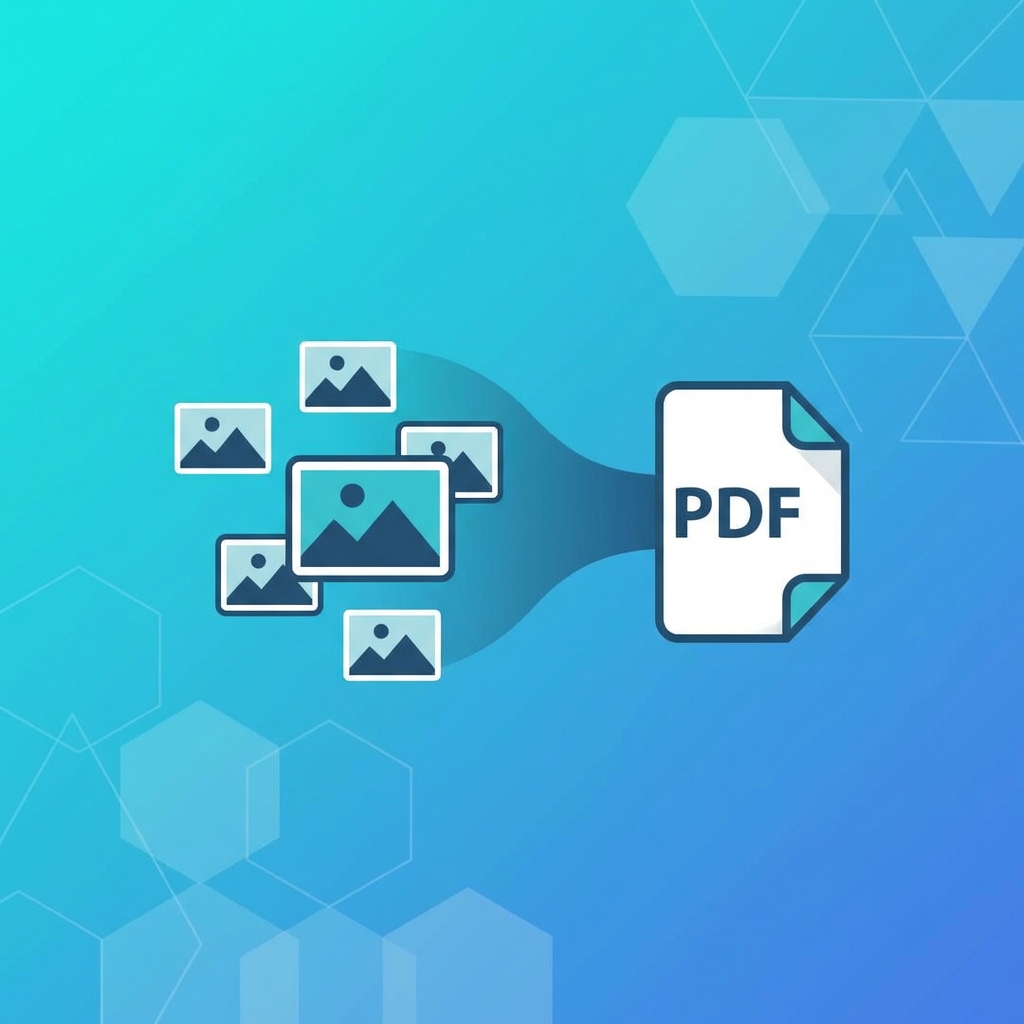
Convert single or multiple JPG images to PDF format. Create photo albums, portfolios, or document scans easily.
Why Convert JPG to PDF?
Converting images to PDF is useful for:
- •Creating portfolios
- •Combining photos into albums
- •Sharing multiple images as one file
- •Preserving image quality
- •Making images printable
Single Image Conversion
Quick Steps
- 1.Upload your JPG image
- 2.Adjust page settings if needed
- 3.Convert and download PDF
Settings to Consider
- •Page size (A4, Letter, etc.)
- •Orientation (portrait/landscape)
- •Margins
- •Image quality
Multiple Images to One PDF
Batch Conversion
- 1.Upload all JPG files
- 2.Arrange in desired order
- 3.Set layout options
- 4.Create combined PDF
Layout Options
- •One image per page
- •Multiple images per page
- •Grid layouts
- •Custom arrangements
Quality Optimization
For Web Sharing
- •Use medium quality
- •Optimize for smaller file size
For Printing
- •Use high quality
- •Maintain original resolution
For Archiving
- •Use maximum quality
- •Preserve all image data
Common Use Cases
- 1.Photo Albums: Combine vacation photos
- 2.Portfolios: Create professional presentations
- 3.Document Scans: Convert phone photos to PDFs
- 4.Receipts: Organize expense documentation
Tags:
jpg to pdf
image to pdf
convert images
photo pdf
Ready to try these tips?
Use our free PDF tools to put this knowledge into practice.
Related Articles
How-To Guide
5 minHow to Merge PDF Files Online - Complete Guide 2025
Learn how to combine multiple PDF files into one document quickly and easily. Step-by-step guide with tips for best results.
Read Article

How-To Guide
6 minHow to Compress PDF Without Losing Quality - Expert Tips
Reduce PDF file size while maintaining document quality. Learn professional compression techniques for optimal results.
Read Article

How-To Guide
5 minHow to Convert PDF to Word for Free - 2025 Guide
Convert PDF documents to editable Word files instantly. Preserve formatting, tables, and images with our free converter.
Read Article