How-To Guide
5 min readHow to Add Watermark to PDF Documents
PDFHubs Team
January 8, 2025
Add text or image watermarks to protect your PDFs. Create professional branded documents with custom watermarks.
Purpose of Watermarks
Watermarks serve multiple purposes:
- •Branding: Add company logos
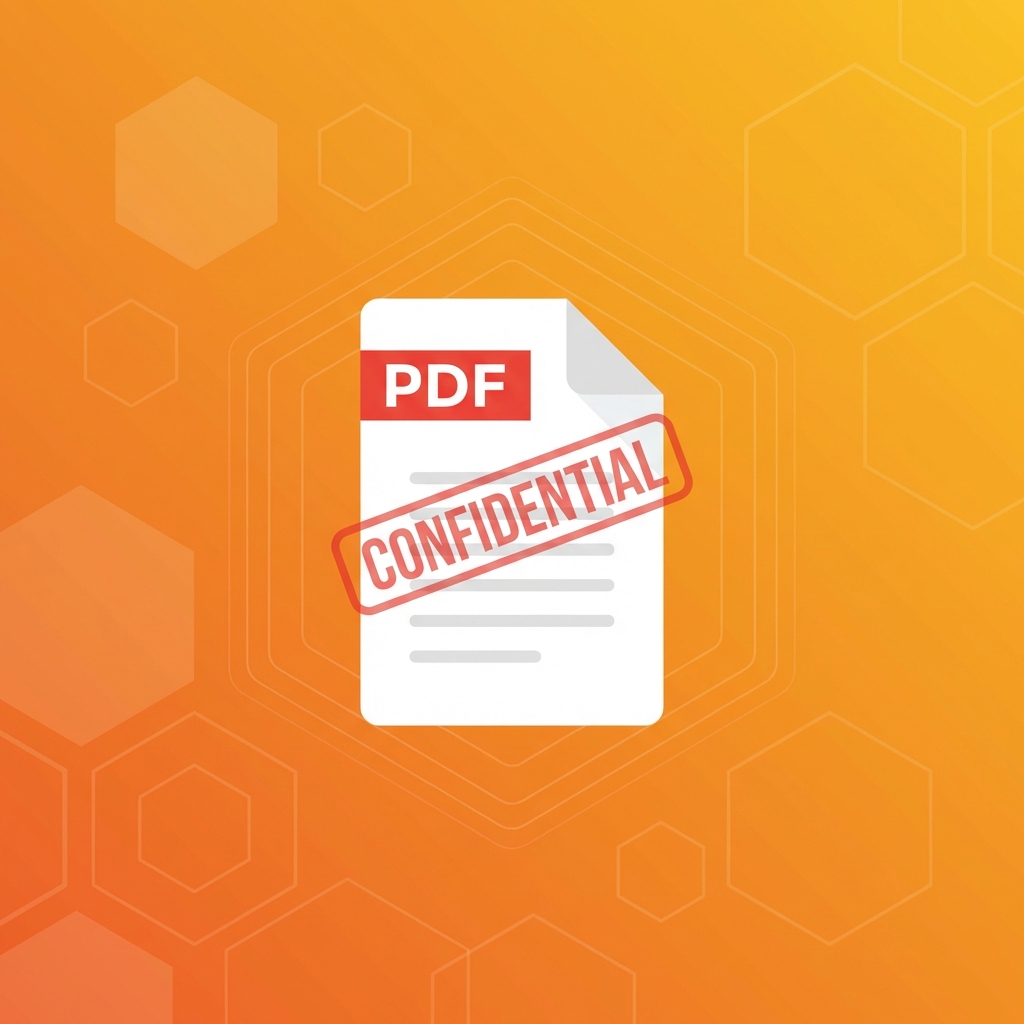
- •Security: Mark documents as confidential
- •Copyright: Protect intellectual property
- •Status: Indicate draft or final versions
Types of Watermarks
Text Watermarks
Simple text like "CONFIDENTIAL", "DRAFT", or your company name.Image Watermarks
Logos, stamps, or custom graphics.Diagonal vs Horizontal
Choose placement style based on document type.Creating Effective Watermarks
Design Tips
- •Keep text concise
- •Use semi-transparent settings
- •Position to not obstruct content
- •Match brand colors
Recommended Settings
- •Opacity: 15-30% for subtlety
- •Size: Large enough to see, not too distracting
- •Position: Center or diagonal across page
Step-by-Step Process
- 1.Upload your PDF
- 2.Choose watermark type (text or image)
- 3.Customize appearance (font, size, opacity)
- 4.Set position (center, corner, diagonal)
- 5.Apply to all pages or select pages
- 6.Download watermarked PDF
Best Practices
- •Test on a single page first
- •Preview before applying to all pages
- •Keep opacity balanced
- •Ensure text remains readable
Tags:
watermark pdf
brand documents
pdf protection
document security
Ready to try these tips?
Use our free PDF tools to put this knowledge into practice.
Related Articles
How-To Guide
5 minHow to Merge PDF Files Online - Complete Guide 2025
Learn how to combine multiple PDF files into one document quickly and easily. Step-by-step guide with tips for best results.
Read Article

How-To Guide
6 minHow to Compress PDF Without Losing Quality - Expert Tips
Reduce PDF file size while maintaining document quality. Learn professional compression techniques for optimal results.
Read Article

How-To Guide
5 minHow to Convert PDF to Word for Free - 2025 Guide
Convert PDF documents to editable Word files instantly. Preserve formatting, tables, and images with our free converter.
Read Article